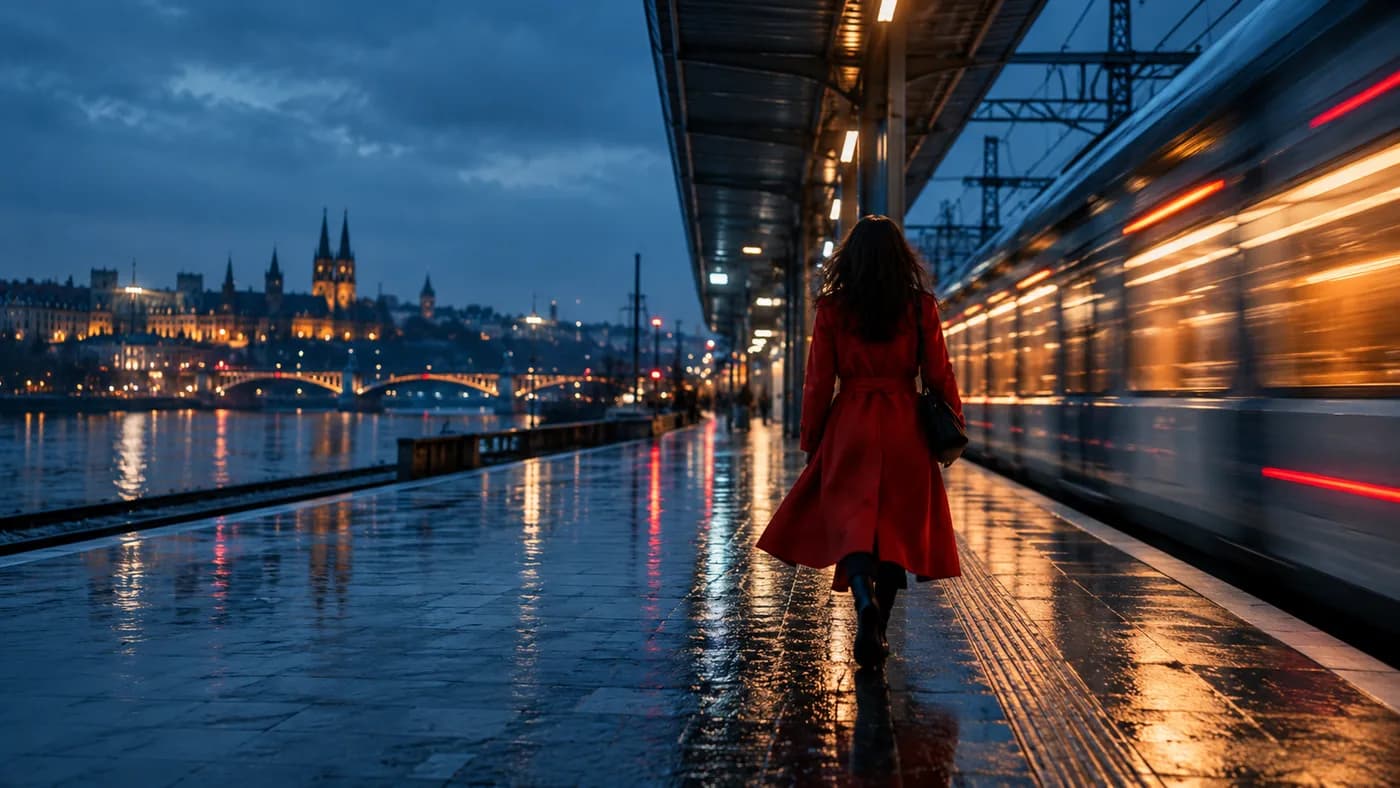
A compact shot plan helps you choose the action, camera, duration, and sound before generation. The steps below are a starting framework: use them to make one clear decision at a time, then review the actual output.
Write a one-sentence scene
State who or what appears, where it is, and what changes. For example: “A cyclist crosses a rain-wet square at dusk while the camera tracks alongside.” This sentence gives the model a sequence it can attempt in one shot.
Choose one camera move
A locked camera, a slow push, or a lateral track is easier to evaluate than a prompt that asks for multiple cuts and angles. If you need a different viewpoint, plan it as another shot.
Pick the output before the details
A vertical social clip and a wide presentation scene need different framing. Consider whether the action needs a short sketch or a longer shot. Available durations and ratios depend on the selected model.
Decide whether sound matters
Some models offer audio. If the scene needs dialogue or a specific sound event, describe it plainly and select a model with that capability. If sound is not essential, focus the first attempt on motion and visual continuity.
Review the actual result
Check continuity, faces, hands, written text, and timing. A completed clip may differ from the imagined shot. Keep a note of what worked and change one variable for the next attempt.
Take it into the studio.
Explore prompts, model options, and the current availability of generation.
Explore the studio