Build one clear scene
Name the subject, location, and visible action before adding atmosphere. A focused shot is easier to interpret than several scene changes packed into a short prompt.
Describe the scene you can see in your mind. Give it a subject, a simple action, and one camera move, then choose the duration and model on this page.
Explore the workflow and check live creation availability in the generator below.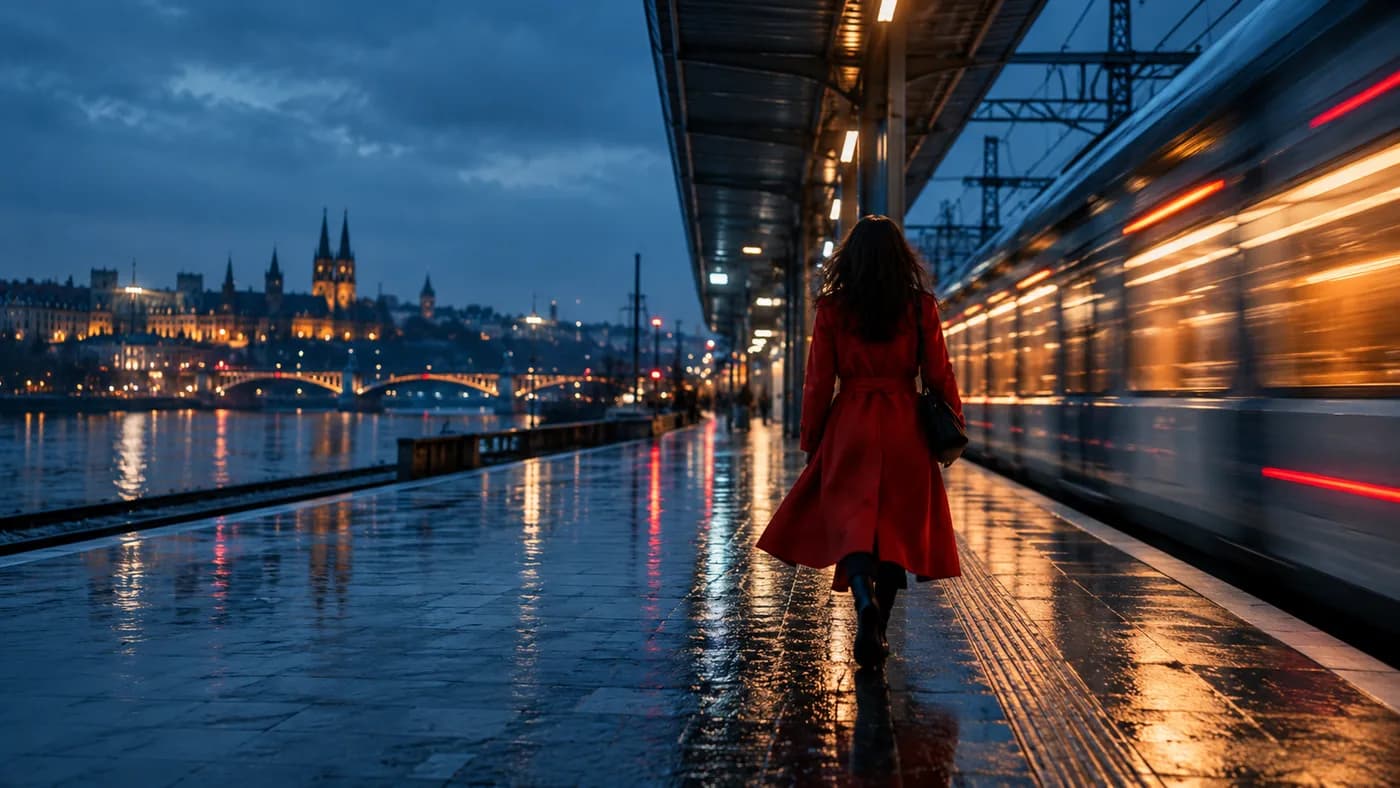
Write a prompt and choose a model.
Small choices in your prompt and frame make the result easier to review, compare, and improve.
Name the subject, location, and visible action before adding atmosphere. A focused shot is easier to interpret than several scene changes packed into a short prompt.
Choose a movement the viewer could actually see: a slow push in, a lateral track, a tilt up, or a locked camera. Specify direction and speed. If continuity matters, ask for one uninterrupted shot.
Start with the duration and framing that fit the destination. Available lengths, ratios, and audio settings vary by model. The generator above lists supported choices and a final credit quote.
Use this as a structure, then replace its subject, scene, and action with your own direction.
A woman in a red coat walks along a rain-wet train platform at blue hour. The camera tracks slowly behind her in one continuous shot while a train passes on the right. Natural movement, soft city reflections, no cuts, no text.
Choose a model and review the credit price in the generator on this page before submitting.
Create on this page