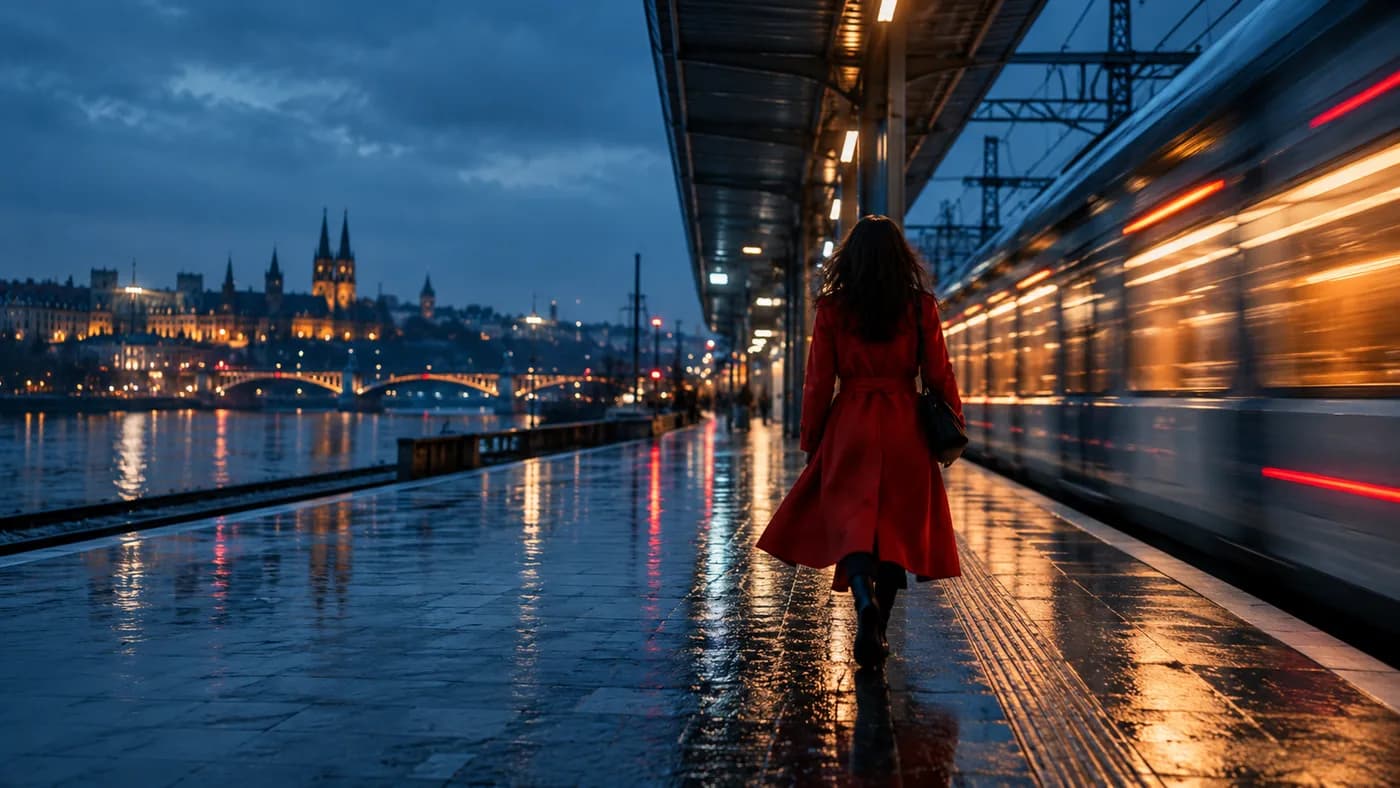
Use a clear action, a camera move, and a few constraints to give a still image its next moment. The steps below are a starting framework: use them to make one clear decision at a time, then review the actual output.
Start with what changes
Your first frame already shows the subject and setting. The motion prompt should explain what happens after that frame. Start with one visible change: a person turns, fabric lifts in the wind, or a train enters the scene. Avoid asking for several unrelated actions in a very short clip.
Give the camera a direction
A phrase such as “cinematic camera” does not specify a shot. Choose a movement you could draw as an arrow: a slow dolly forward, a left-to-right track, a gentle tilt up, or a locked frame. State the speed and, when important, ask for a single continuous shot.
Separate subject motion from camera motion
Tell the model which parts move independently. For example: “The camera stays locked. A light breeze moves the coat. The subject remains in place.” This is clearer than “make it dynamic,” because it establishes a relationship between the subject and the camera.
Protect the frame’s key details
If the image contains a product shape, a face, or precise architecture, say which details should remain stable. Treat this as guidance rather than a guarantee. Generated motion can still alter small features, so inspect the result before use.
Iterate one variable at a time
Keep the successful parts of your prompt. Change only the camera move, action, or duration for the next attempt. This makes comparisons useful. The studio shows available model settings and the final credit quote before a generation can be submitted.
Take it into the studio.
Explore prompts, model options, and the current availability of generation.
Explore the studio