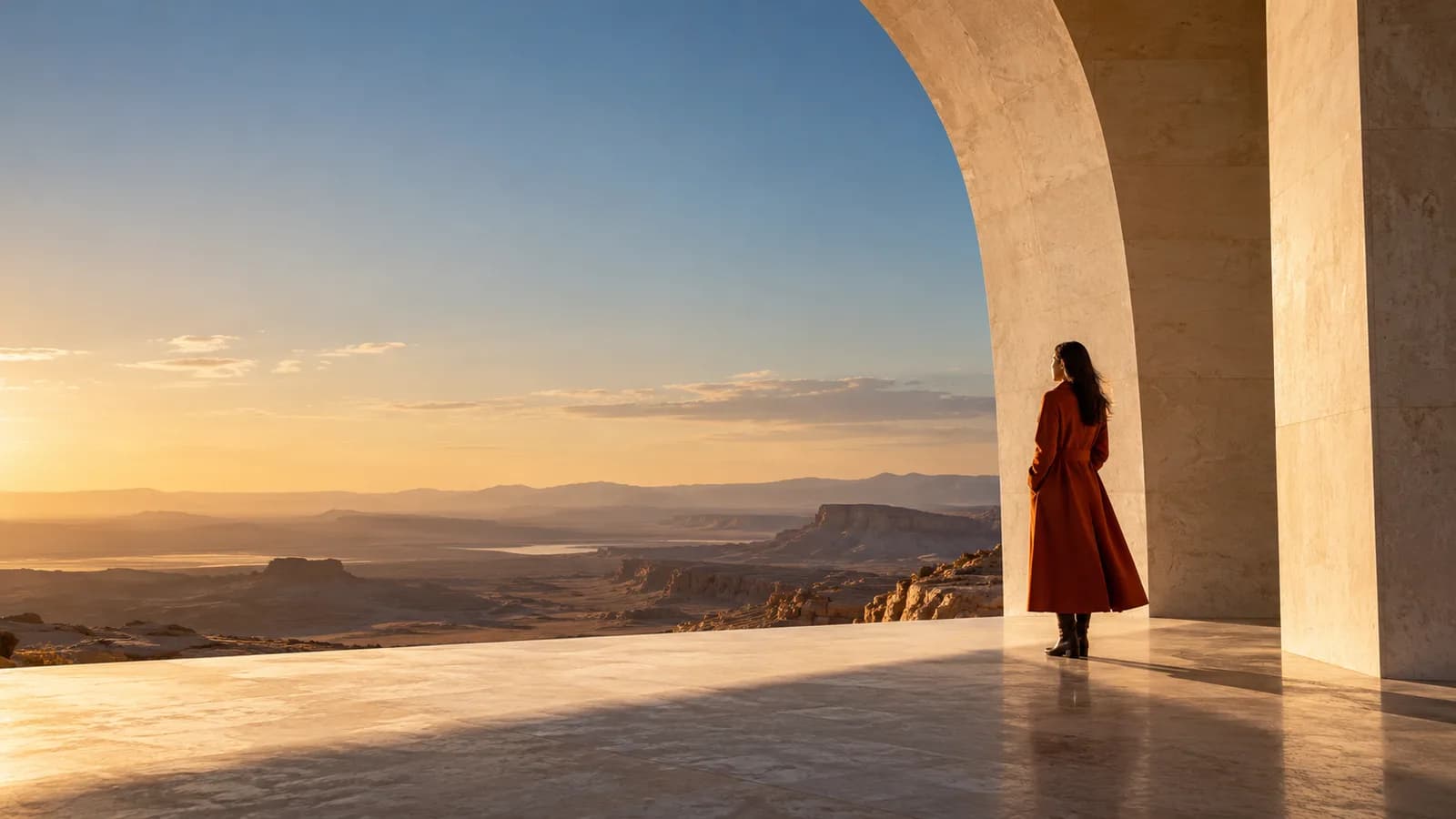
A strong starting image gives the model a subject, a composition, and room to move. The steps below are a starting framework: use them to make one clear decision at a time, then review the actual output.
Make the subject easy to read
Choose a frame where the main subject is distinct from the background. If a person or product is too small, blurred, or hidden, the intended motion becomes harder to describe and review. A simple visual hierarchy often works better than a frame crowded with competing objects.
Leave space for the action
Think about where the subject will move. A tightly cropped face gives little room for a pan or a turn. A slightly wider image can leave space for the camera to push in, for a character to step forward, or for a reveal at the edge of frame.
Match the image to the destination
Prepare a portrait composition for a vertical story and a landscape composition for a wide scene. Reframing later can cut away a hand, product, or important background cue. Choose the output ratio before you make the first frame when possible.
Check light and contrast
Clear separation between subject and background makes movement more legible. Strong side light or a distinct silhouette can help, but avoid placing essential details in deep shadow if the result needs to preserve them.
Prepare a supported file
VideoNira accepts JPEG and PNG first frames up to 10 MB. Uploads are decoded, normalized, and stripped of metadata before private storage. Use only material you own or have permission to upload. Review generated faces, hands, text, and product marks before publishing.
Take it into the studio.
Explore prompts, model options, and the current availability of generation.
Explore the studio