Begin with a readable frame
Choose a JPEG or PNG up to 10 MB with a clear subject and space for movement. The starting image provides the composition and visual details; upload only material you own or have permission to use.
Start with an image you already like. Upload a first frame here, describe one clear change, and choose an AI video model to carry the scene forward.
Explore the workflow and check live creation availability in the generator below.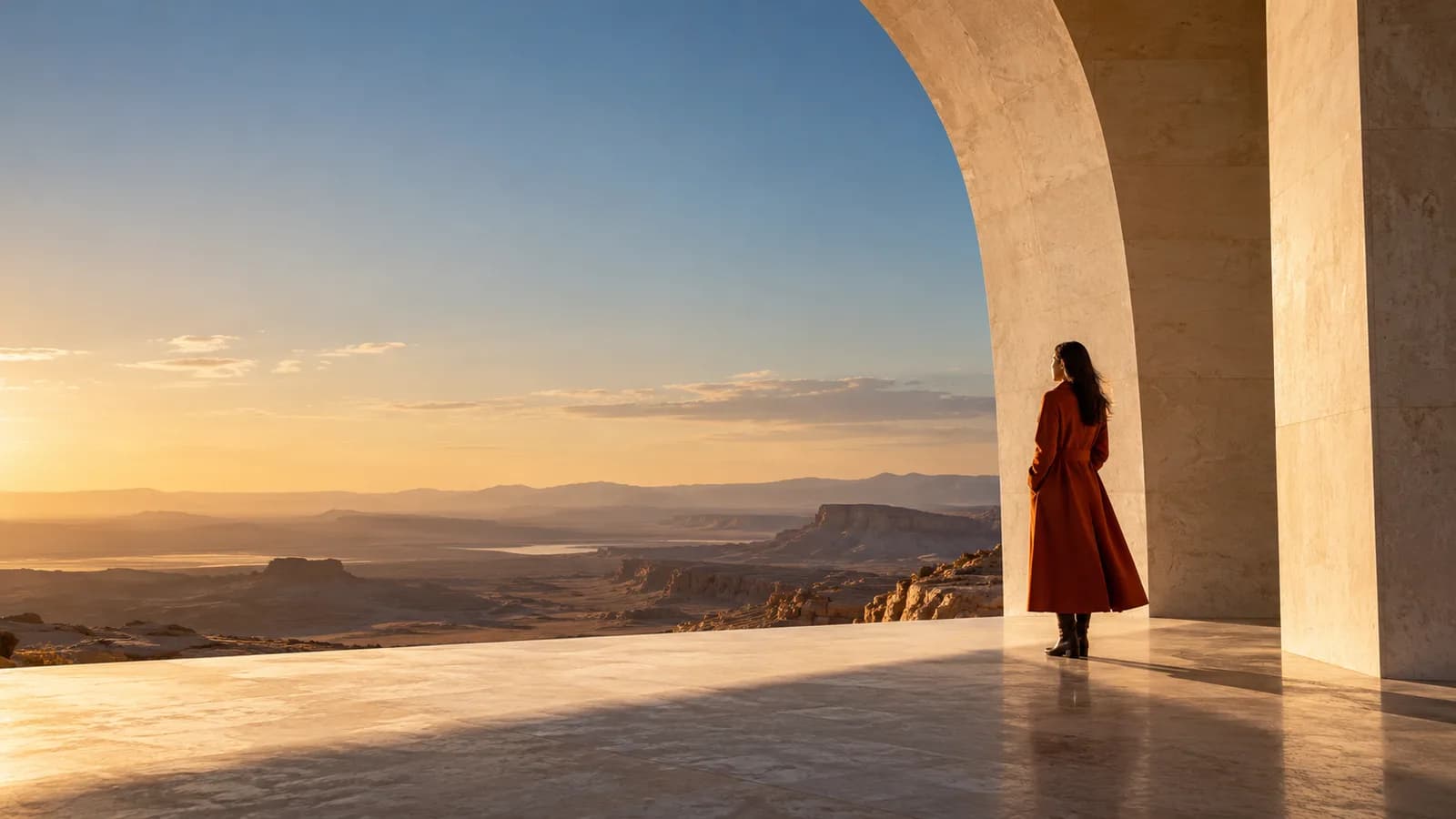
Upload a first frame and choose how it moves.
Small choices in your prompt and frame make the result easier to review, compare, and improve.
Choose a JPEG or PNG up to 10 MB with a clear subject and space for movement. The starting image provides the composition and visual details; upload only material you own or have permission to use.
Focus your prompt on movement rather than repeating every detail already in the picture. Name what the subject does, what the camera does, and anything that should stay still.
Faces, fine details, and written elements may change during animation. Check the result before publishing. Available model settings and the credit quote appear in the generator above.
Use this as a structure, then replace its subject, scene, and action with your own direction.
Use the uploaded frame as the starting composition. Slow dolly forward toward the person beneath the arch. A light breeze moves the coat; the architecture stays still. One continuous shot, natural light, no text.
Choose a model and review the credit price in the generator on this page before submitting.
Create on this page