Name the subject first
Start with the object, person, or place you want to see. Add the setting and one or two details that make the scene distinctive. A clear subject gives the model a stronger direction than a long list of style adjectives.
Turn a written idea into a visual direction. Choose a subject, set the composition and light, then generate on this page when creation is available.
Explore the workflow and check live creation availability in the generator below.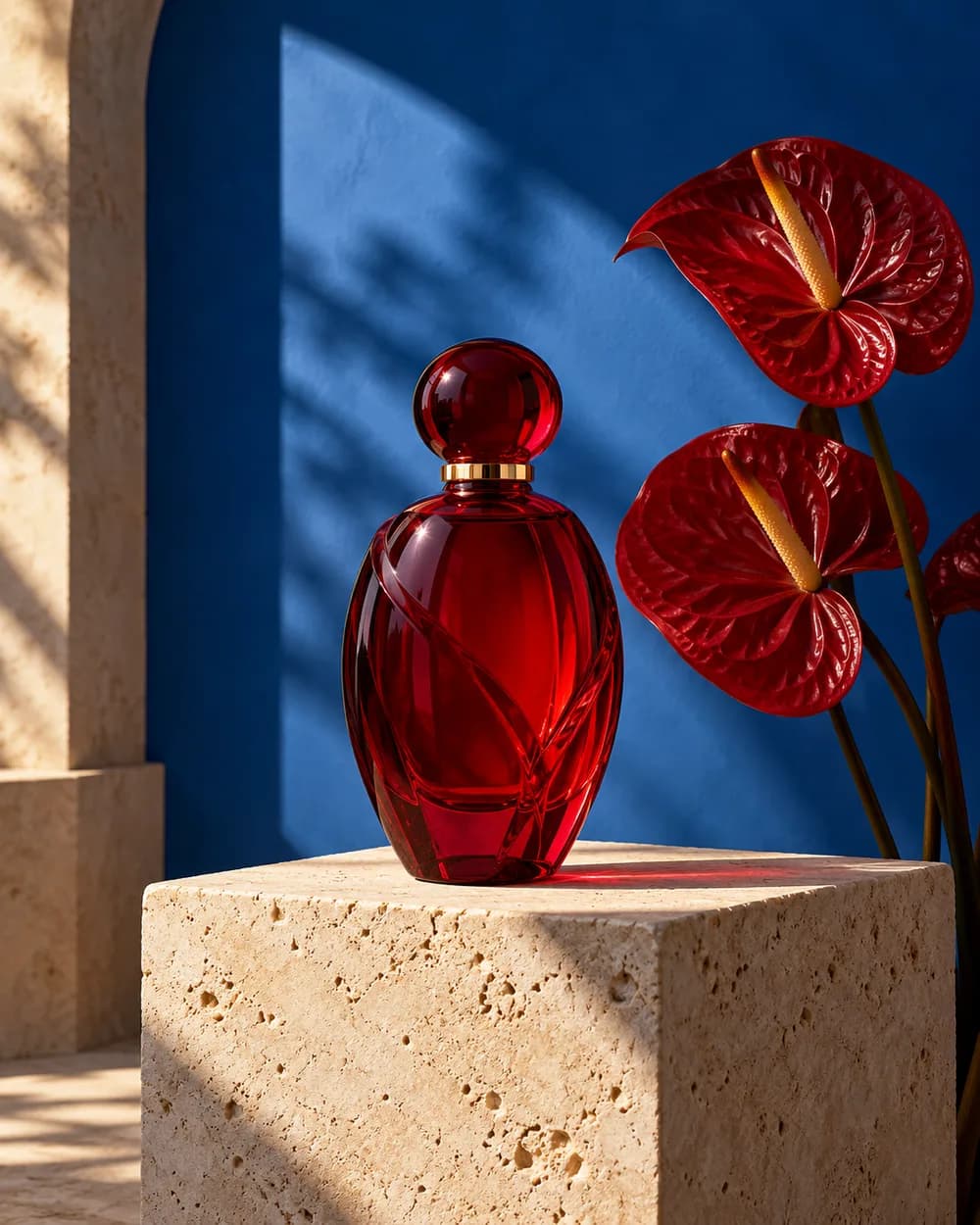
Write a prompt and choose a model.
Small choices in your prompt and frame make the result easier to review, compare, and improve.
Start with the object, person, or place you want to see. Add the setting and one or two details that make the scene distinctive. A clear subject gives the model a stronger direction than a long list of style adjectives.
Tell the model whether the subject is close or distant, where it sits in the frame, and what kind of light shapes it. Choose an aspect ratio for the destination: square for a compact post, portrait for a mobile story, or landscape for a wider scene.
After the first result, keep the successful parts of the prompt and adjust one element such as camera angle, material, or color. Available model options and the final credit price are shown above.
Use this as a structure, then replace its subject, scene, and action with your own direction.
A sculptural red glass bottle on pale travertine beside two anthurium flowers. Cobalt blue wall, late-afternoon side light, crisp shadow, editorial product photography, portrait frame, no text.
Choose a model and review the credit price in the generator on this page before submitting.
Create on this page