00:00.5
The invisible ride
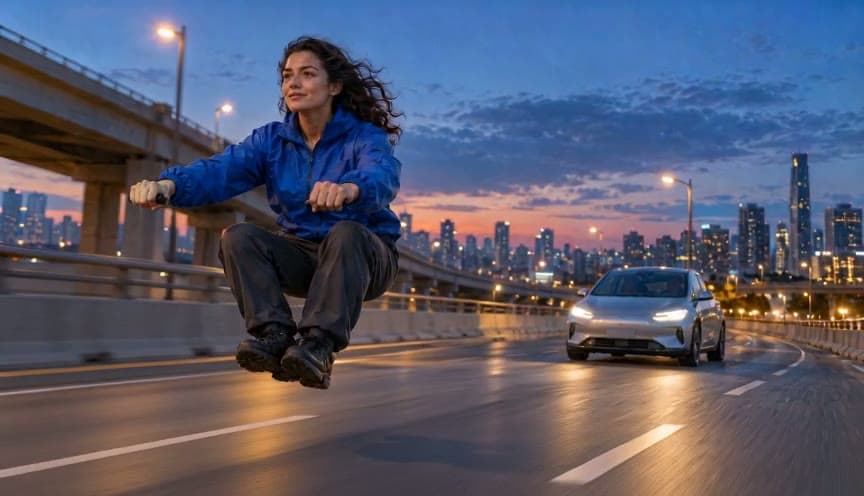
The rider is already crouched above the road. The absent bike is the visual joke.
Watch the chase, then upload a first frame to make your version.
Upload a first frame and choose how it moves.
The rider is already crouched above the road. The absent bike is the visual joke.
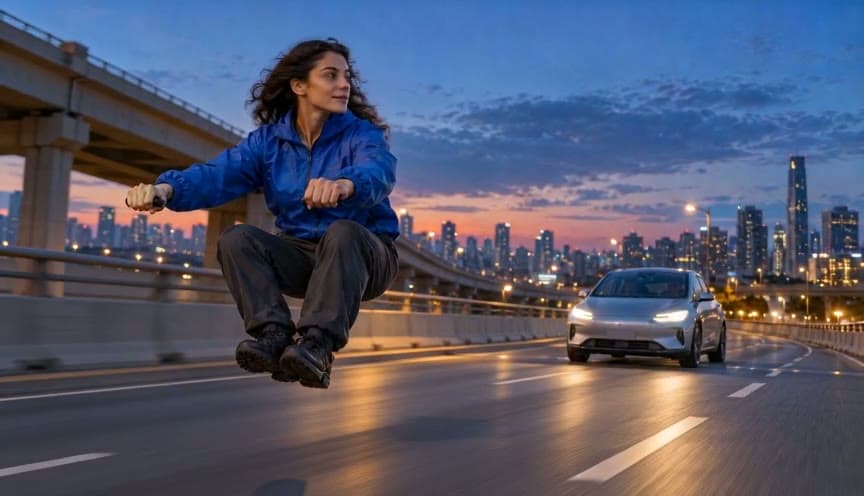
The rider glances back while the unbranded silver car remains behind her.
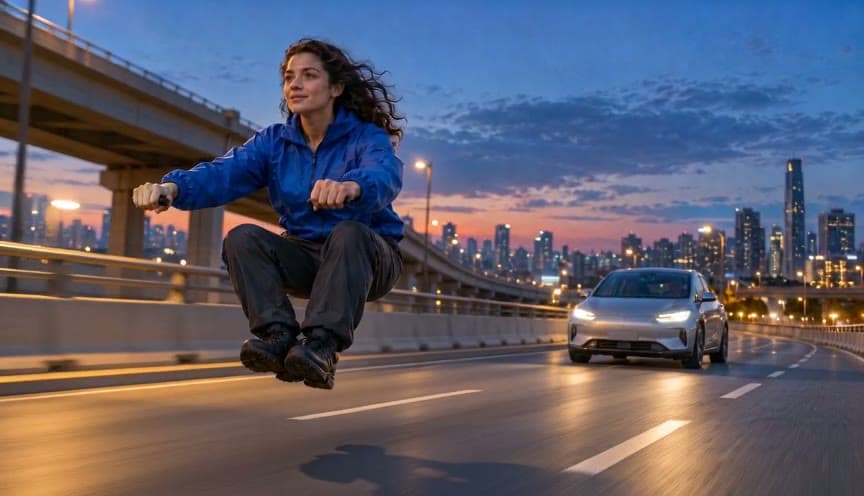
The camera keeps pace as her hair moves and the empty space under her remains visible.
The visual trick is a person holding a riding posture while no motorcycle is present. A wide road and a distant car make the direction of travel obvious. Keep the rider in the foreground so their hands, legs and face stay easy to see.
Show one consenting adult in the invisible riding pose. Keep their hands, knees and outfit visible, with space for motion.
Use a short side-tracking movement at 480p and review it before planning a longer sequence or adding a second character.
Watch the hands, face, road shadows and car position. The missing bike should remain intentional through the full shot.
Upload a first frame with your rider already in the invisible-moped pose, or try the example frame above.
Yes. Open Model in the generator and select any available image-to-video model.